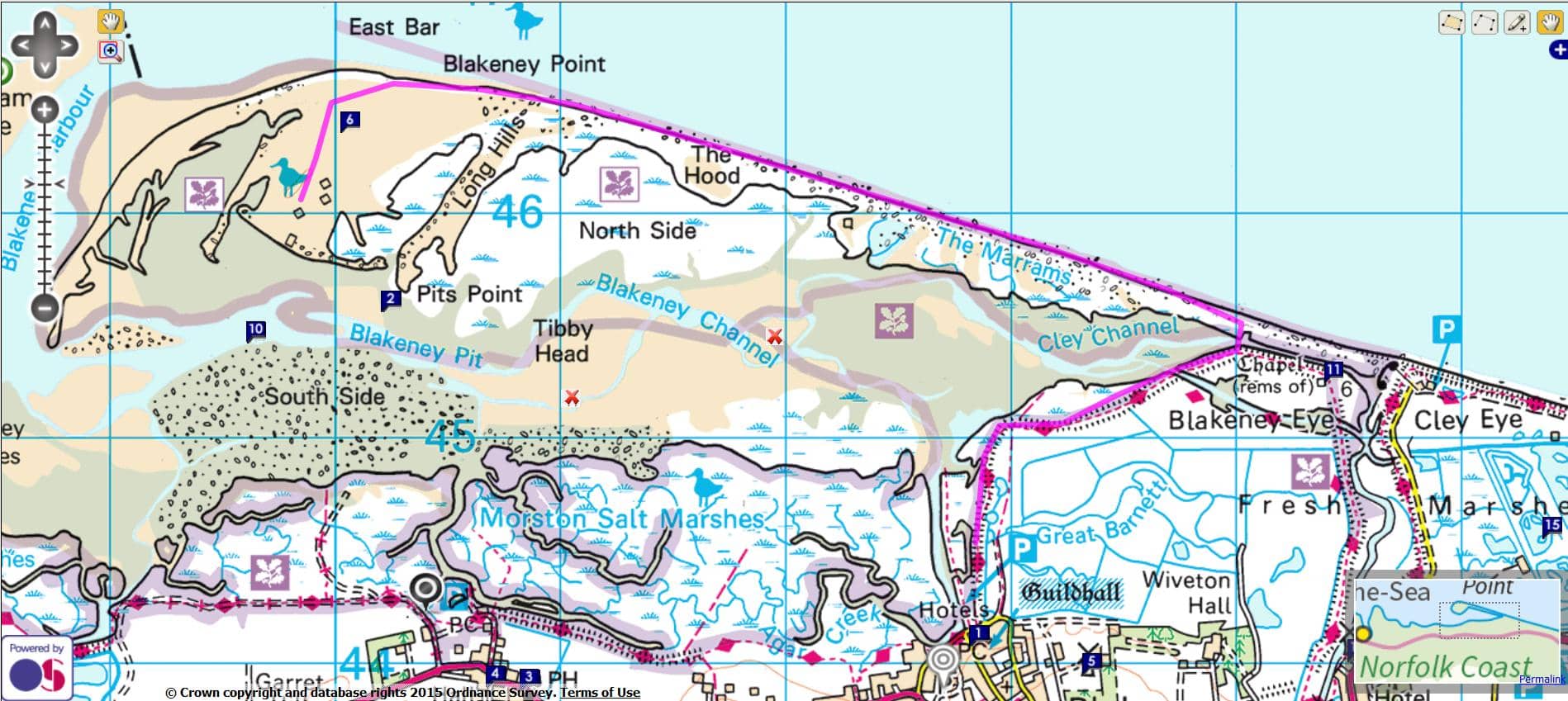
Ordnance Survey - Routing
(1) Gazetteer Search to View Map
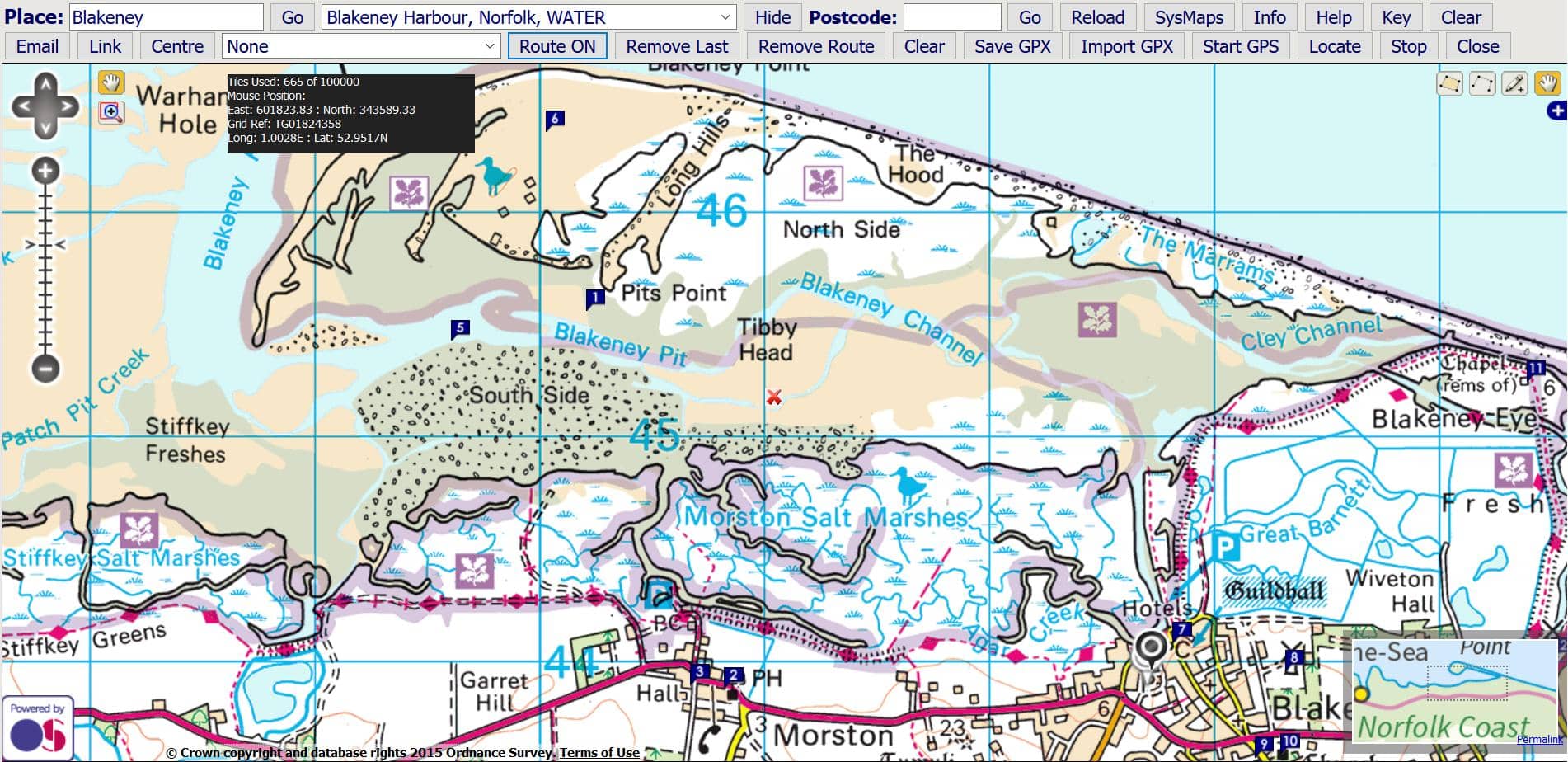
This option allows you to produce a route and then export or import the points. The points can be saved as a GPX file which can then be imported to other programmes such as Google Earth. Conversion to KML etc. is available at GPSies.Click 'Route On / Off' to start and stop creating a track.
Click on the map to assemble a track as a series of points. Click 'Remove Last' if you make a mistake. 'Remove Route' will clear the map.
(2) Map with Route Marked in Blue
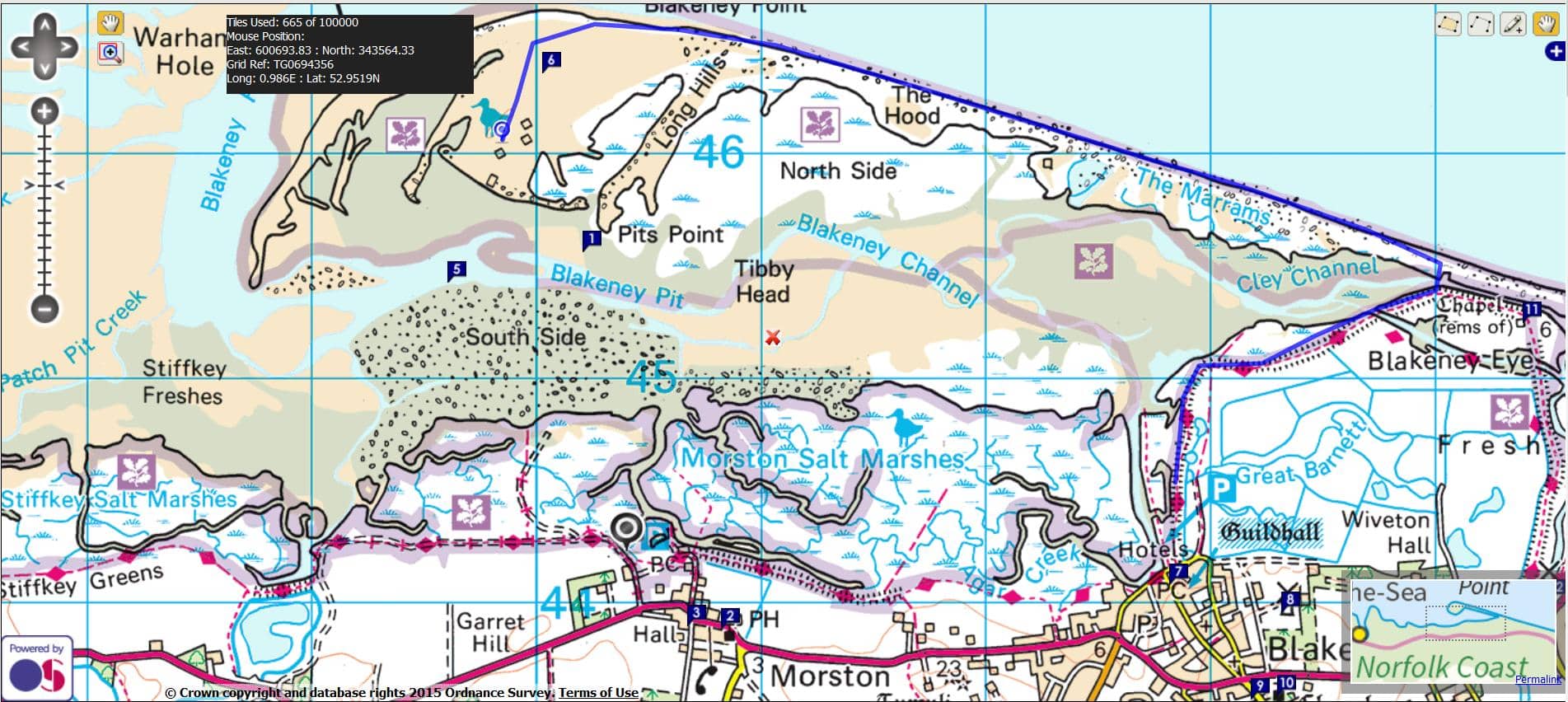
(3) Save GPX Track

T

Press 'Save GPX Track' and the points are parsed into GPX at the bottom of the page. Select the code and press Control C to copy. Open Notepad and use Control V to paste into a new file. Save the text file as a gpx file. This file can then be used in other applications and converted if necessary at GPSies.
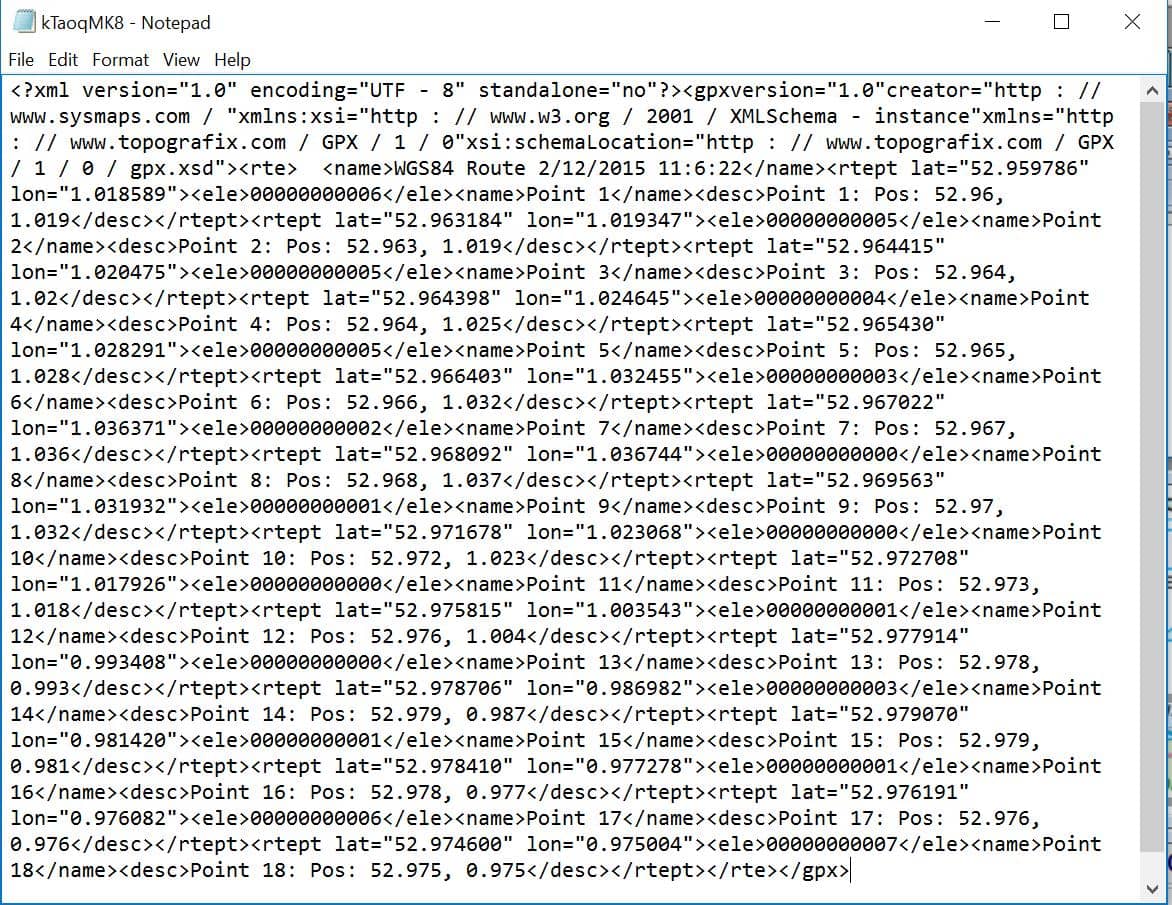
Press 'Import New Track/ImportGPX' to search and import a gpx track file directly or press 'Import Track' as below.
Copy and paste the contents of a GPX file into the box at the bottom of the sheet. Press 'Import Track Below' to import the track back into the map as in the example below.