Ordnance Survey - Help
 |
 |
 |
|---|
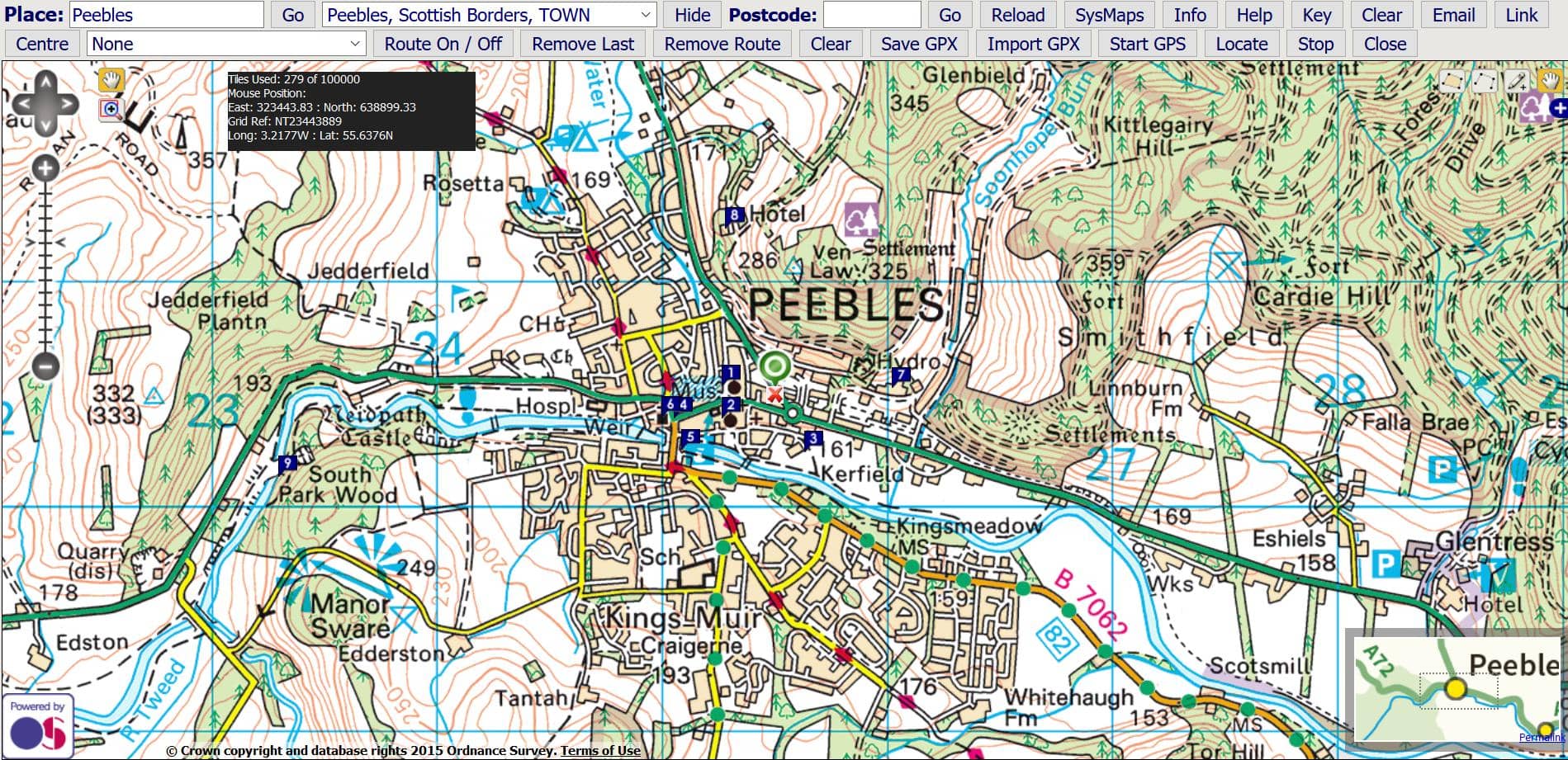
(1) Enter a Place & Select from List
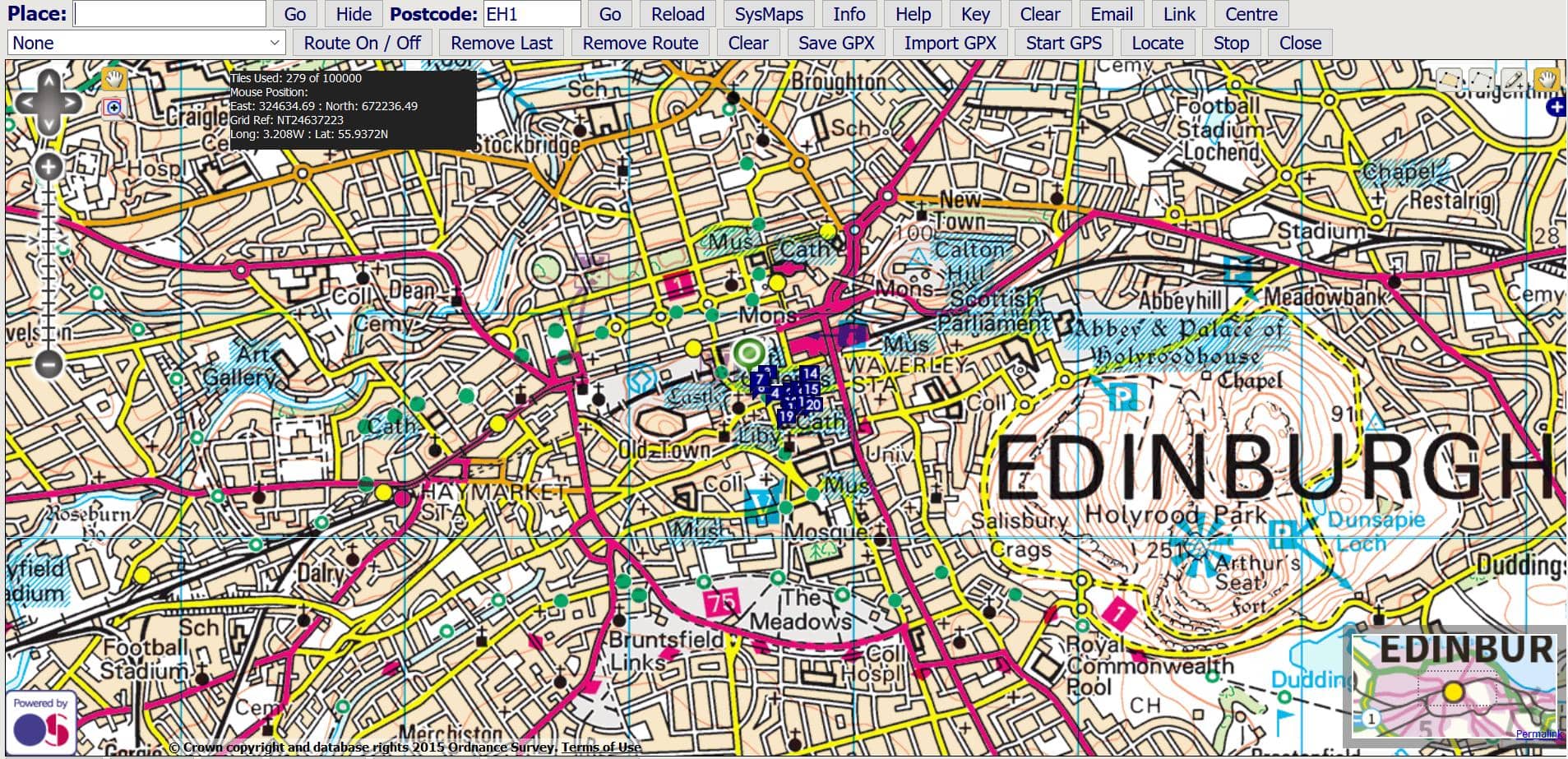
(2) Enter Postcode & Press Go
(3) Franson GPS or WiFi Position
 |
|
Press 'Locate' and your browser will try to ascertain your position based on WiFi signals. You may need to give permission for browser positioning. If found, the position is displayed with a blue marker.
You need to make sure that you have GpsGate 2.6 or later installed, and have "GPS in Browser" added as an output. You also need a built-in GPS or a GPS connected to your computer and GpsGate must be running. Alternatively you can use the software to simulate routes if no GPS feed is available.
GPS in browser works with any browser that handles javascripts. It is tested on Internet Explorer, Firefox, Opera, Safari, and Opera Mobile on Windows Mobile / Pocket PC.
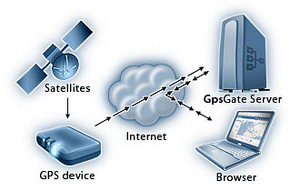
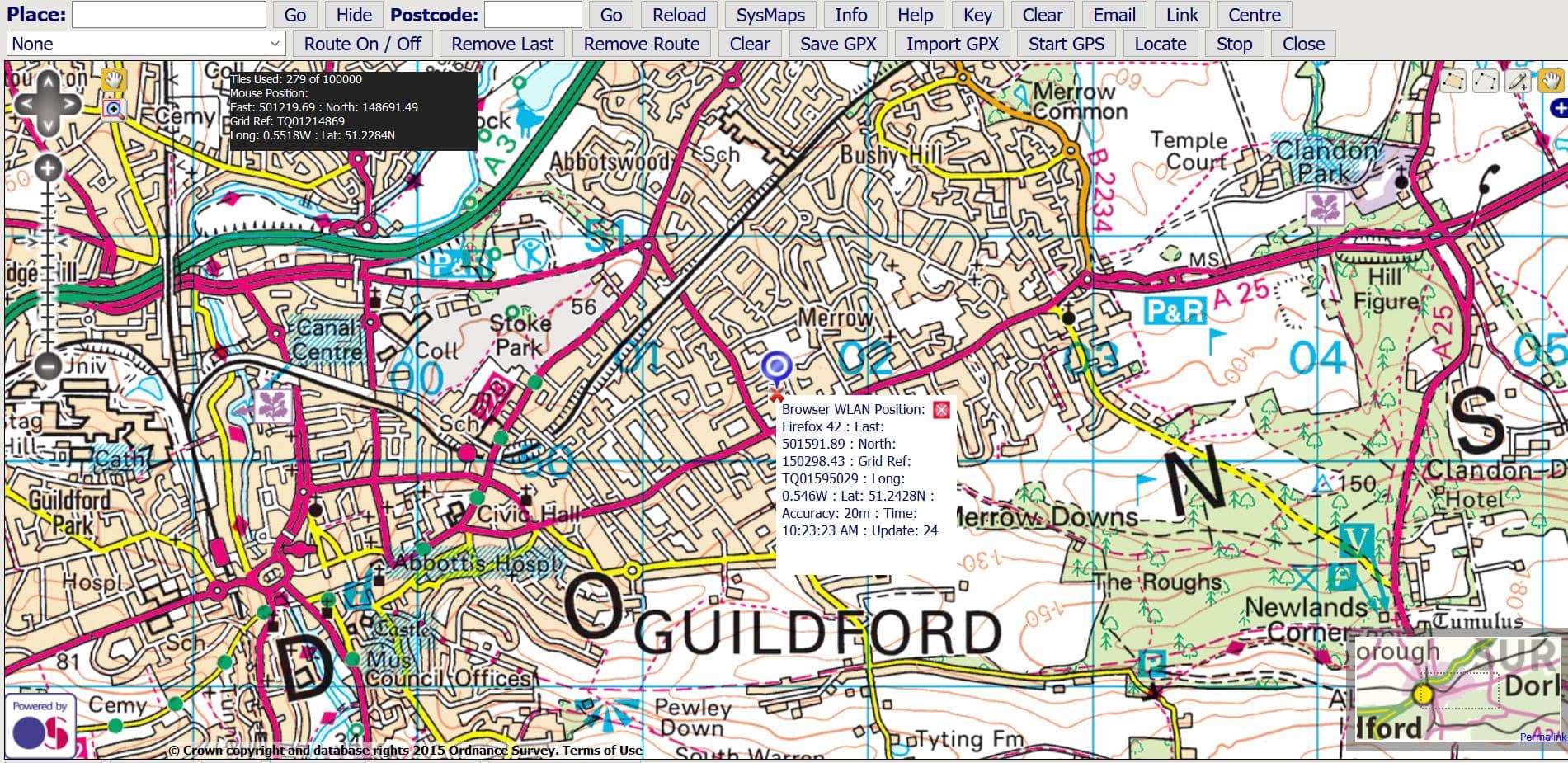
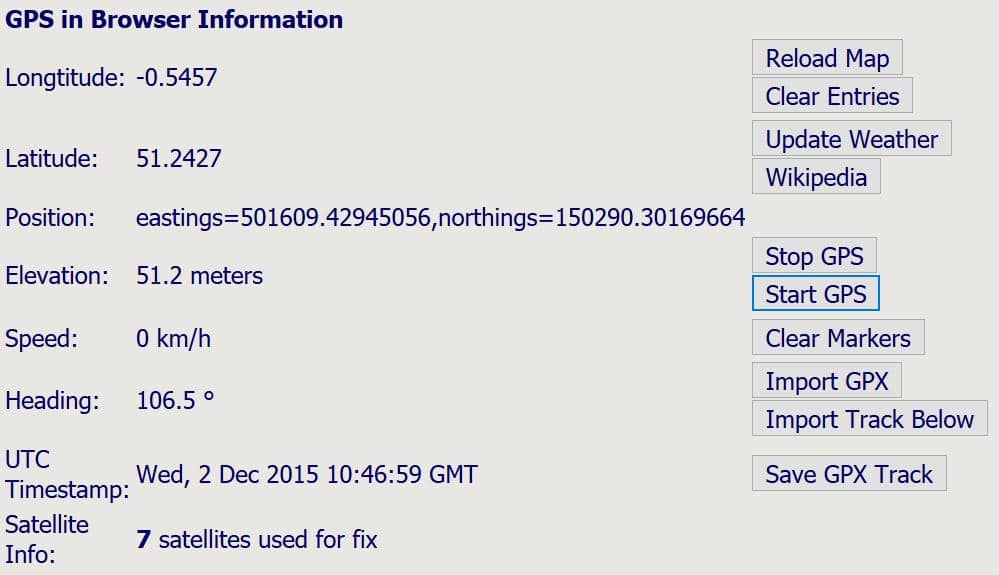
If a valid position is available, a blue marker is displayed. If there is no valid position a red marker is shown at a default position. The current browser information is also available below the map.
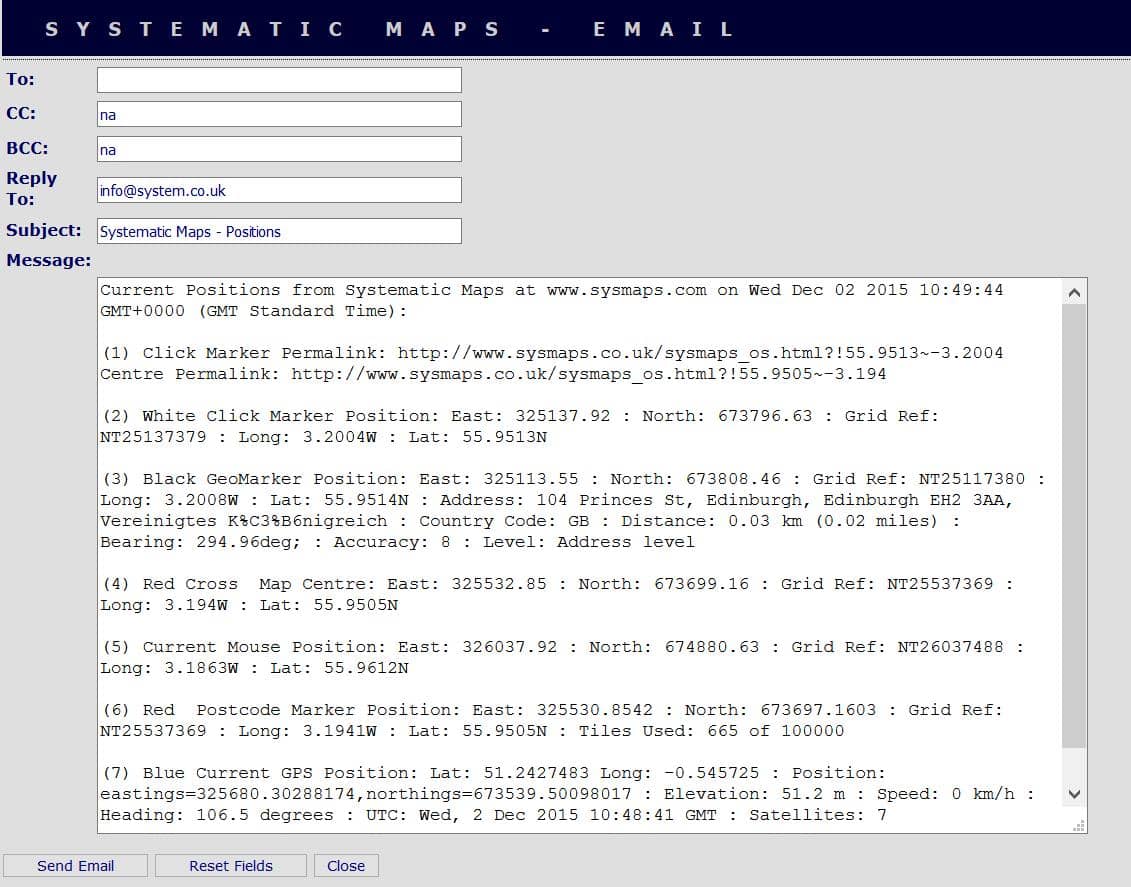
You can also email the positions of the markers for future reference:
(5) Weather & Wikipedia
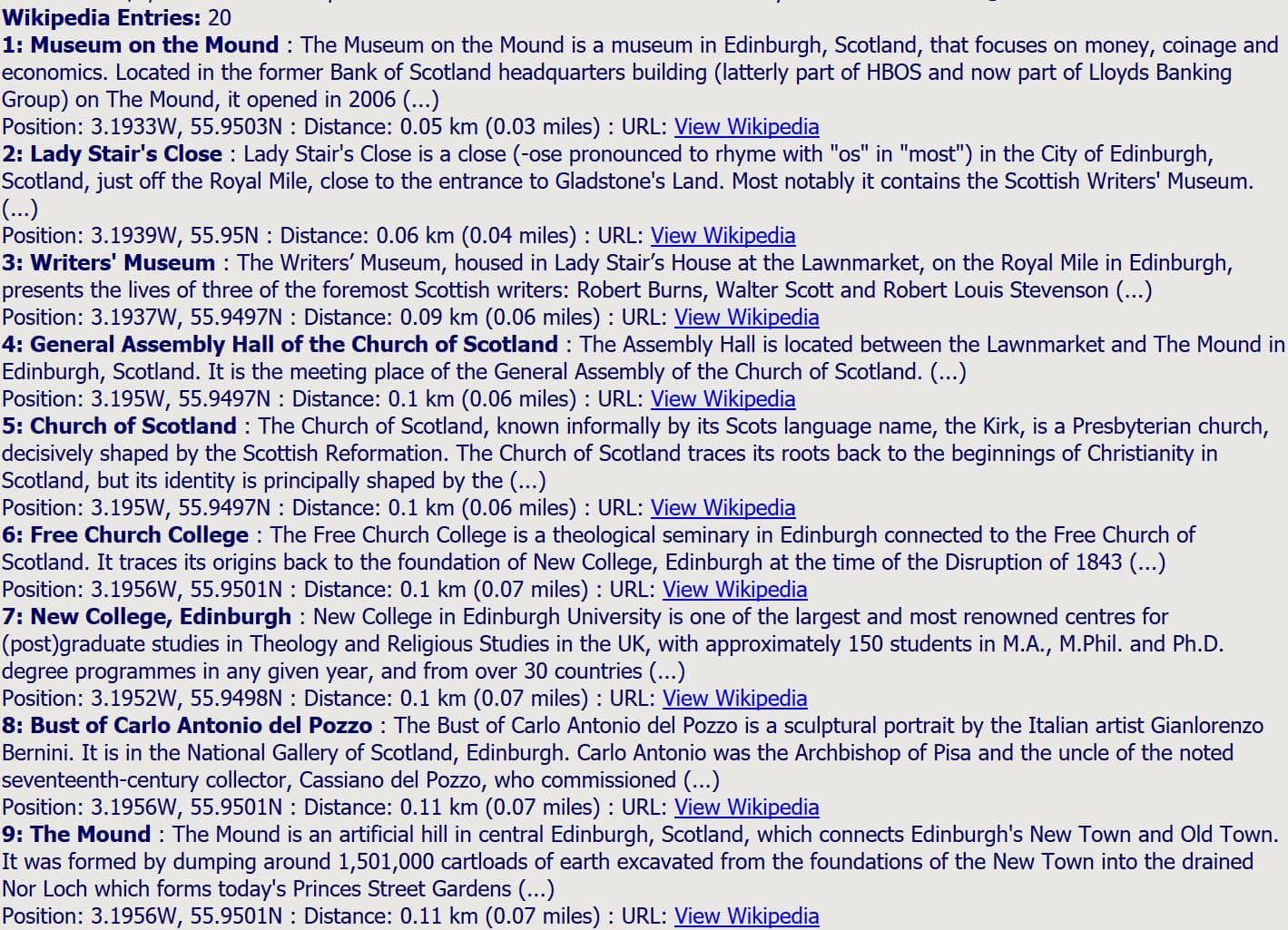
Press the buttons for local weather and up to twenty Wikipedia entries within a radius of fifteen kilometres will be displayed at the bottom of the map. You can also clear or update the entries based on the current centre of the map.